Looking for an apple activity you can adapt for different learners? This editable apple tree sight word activity lets children read a word, find its matching apples, and fill their tree. Change the text and the same mats can become a name, letter, or numeral matching center.
It is a useful addition to a fall apple theme, with plenty of ways to keep the activity interesting as children’s skills develop.
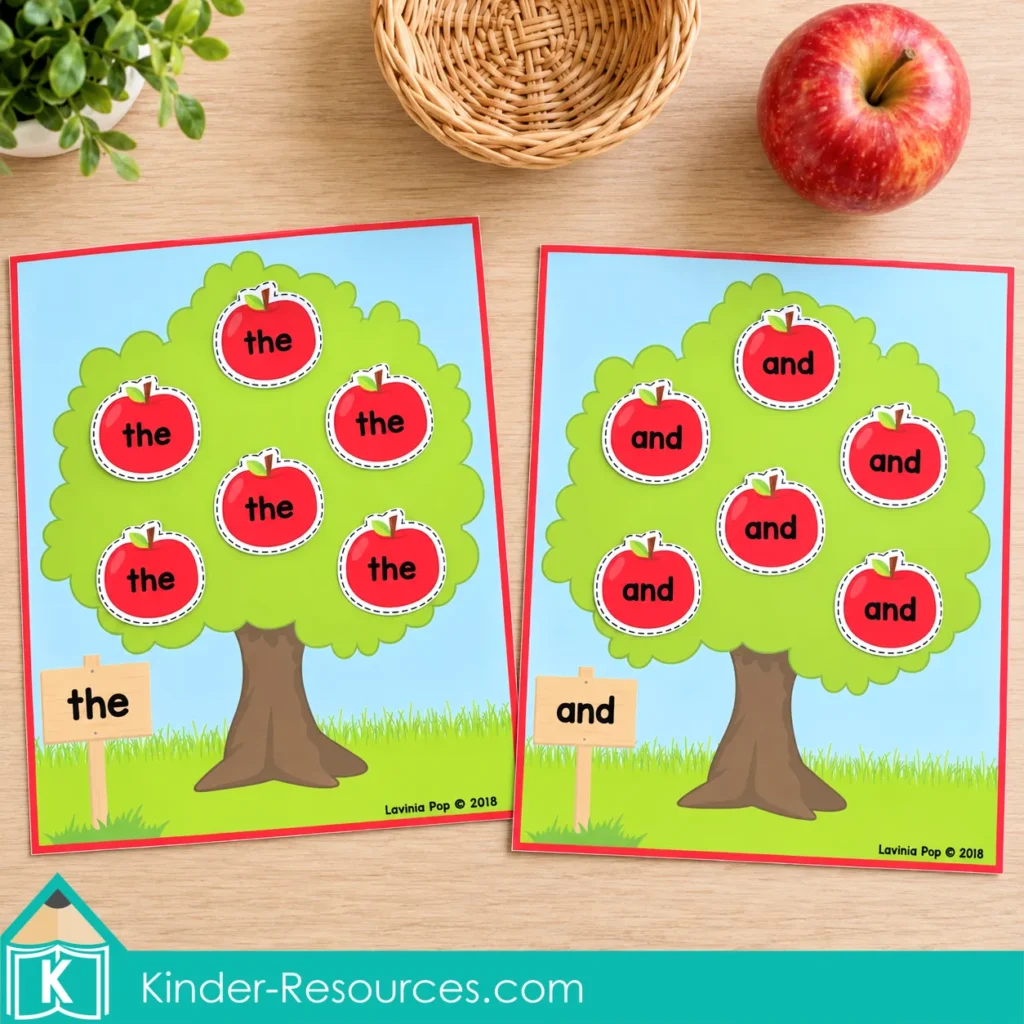
Free Apple Tree Sight Word Activity Sample
Want to try apple matching with your children? Download the free sample below and give this apple tree sight word activity a try in your classroom or homeschool.
For more ways to play, the full editable resource lets you personalize the trees and apples with words, names, letters, and numbers.

Set Up Your Apple Tree Sight Word Activity
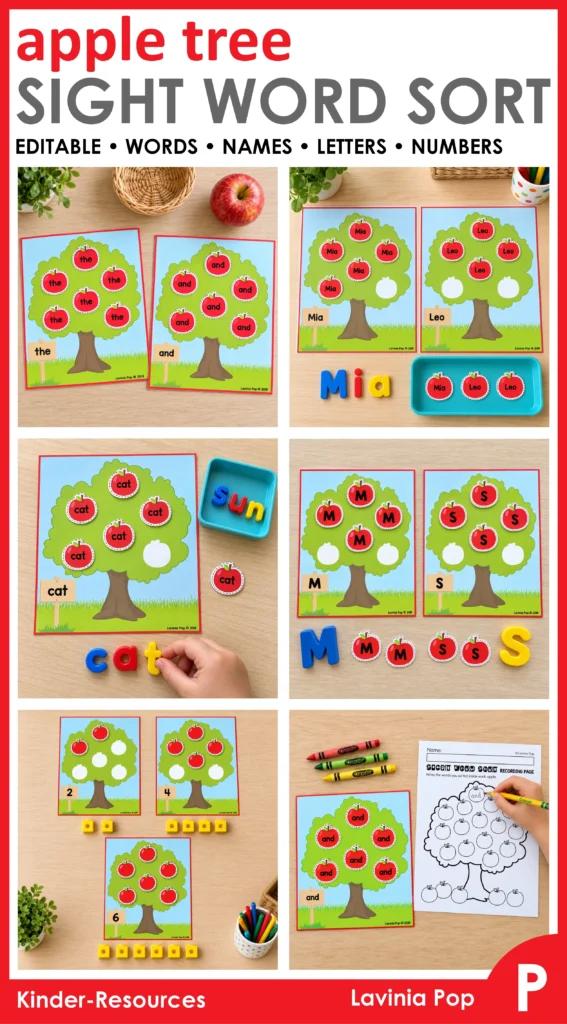
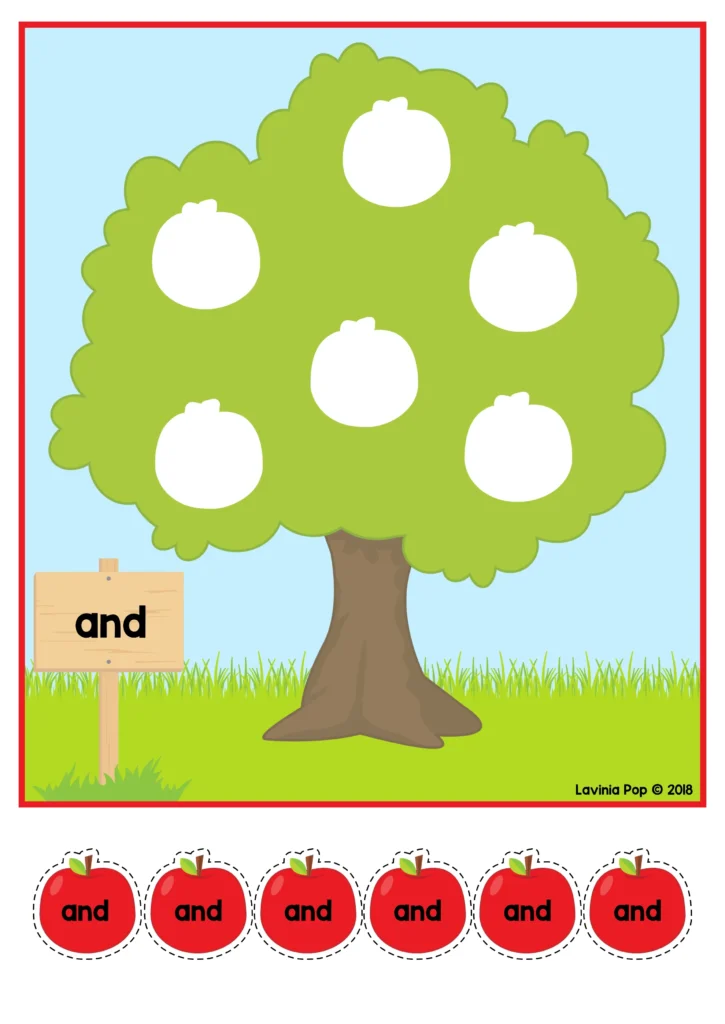
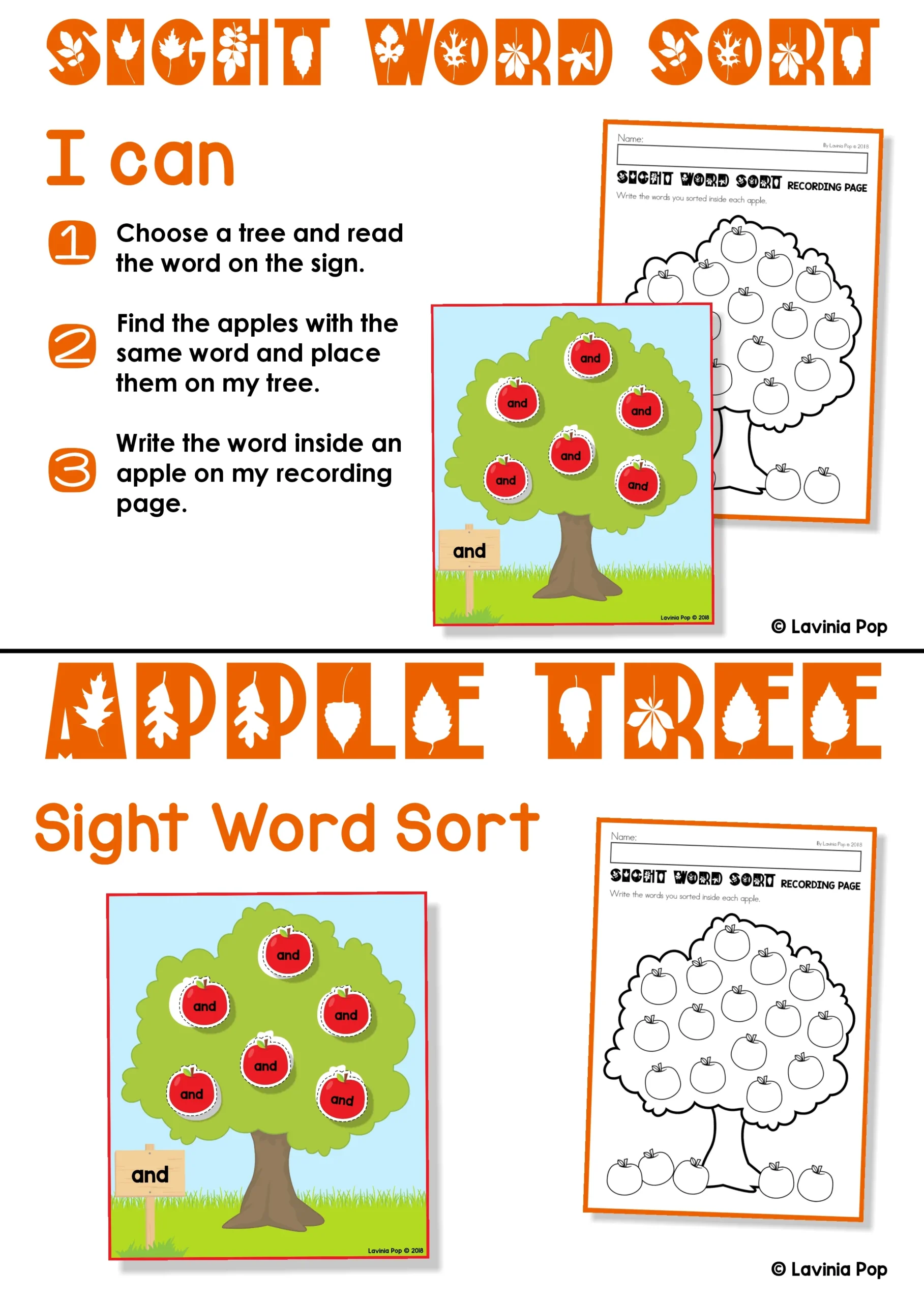
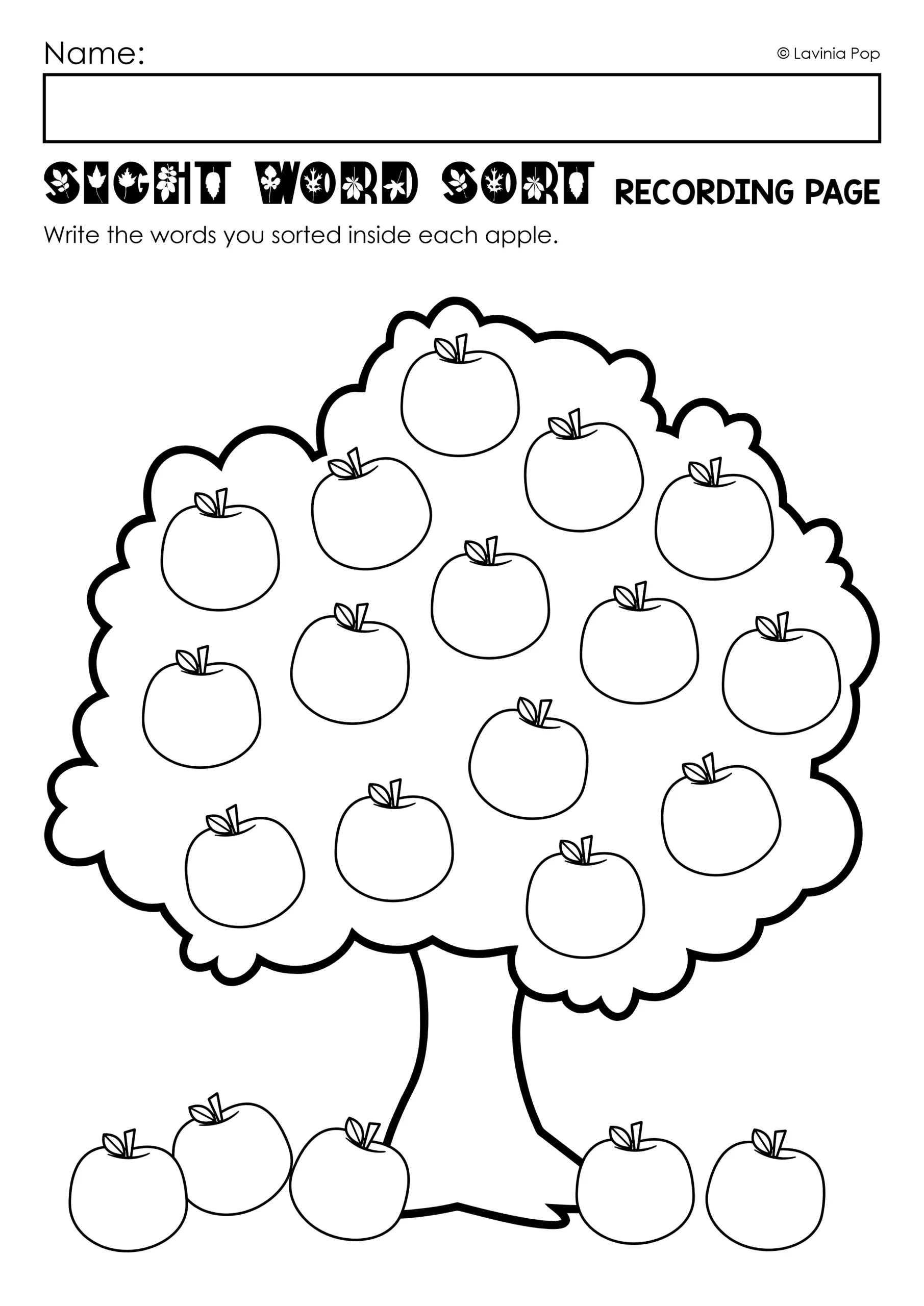
The resource includes 20 tree mats with six matching apples per tree, a recording page, an “I can” card, and a storage label.
Open the saved PDF in Adobe Acrobat Reader and enter the words you want to practice. The matching apple fields update with the same text. Font and editing instructions are included.
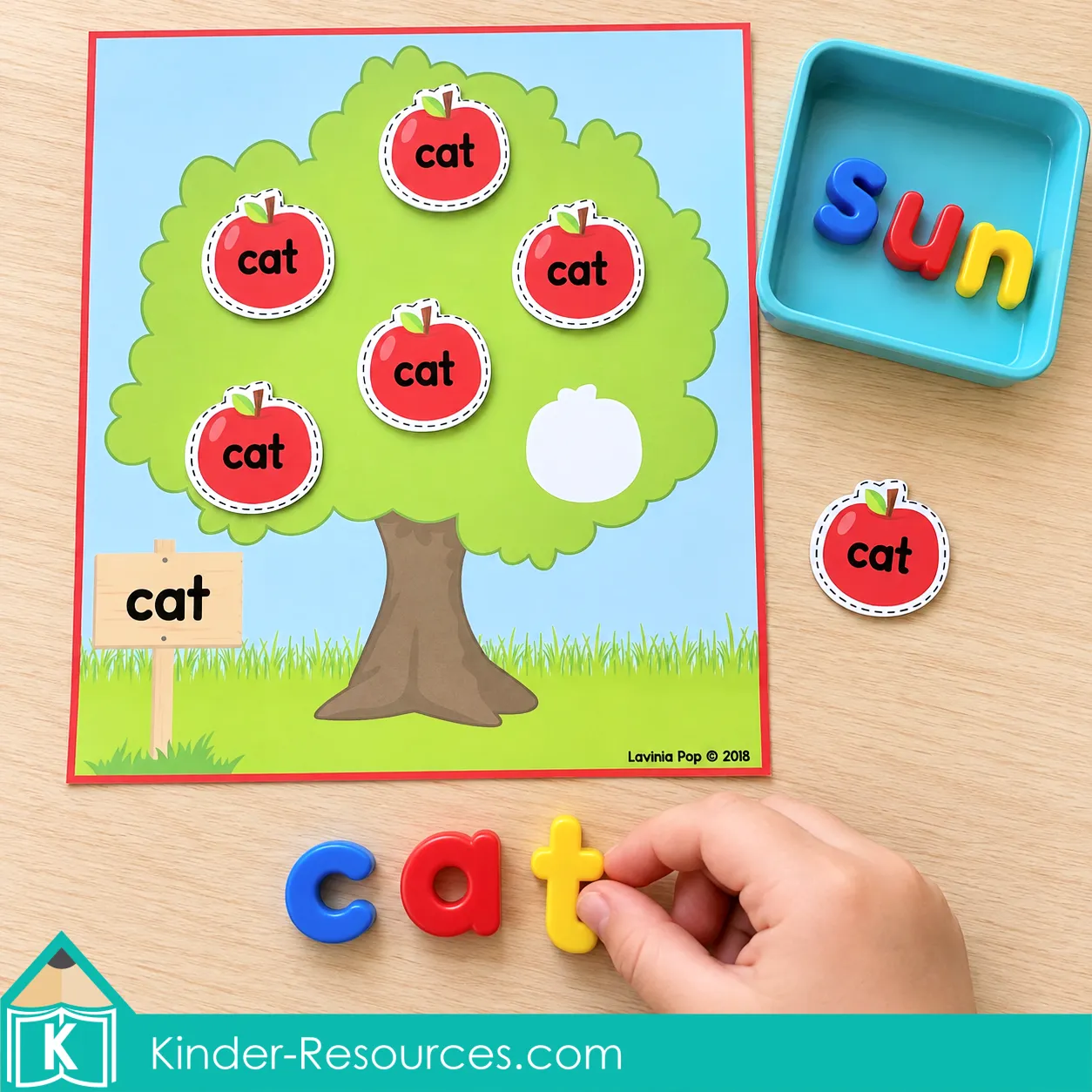
Print the pages you need, laminate if desired, and cut out the rectangular tree mats and individual apples. Optional hook and loop dots help hold the pieces in place. Start with two or three trees and mix their apples in a basket or tray.
Apple Tree Sight Word Sort: Read, Match and Record
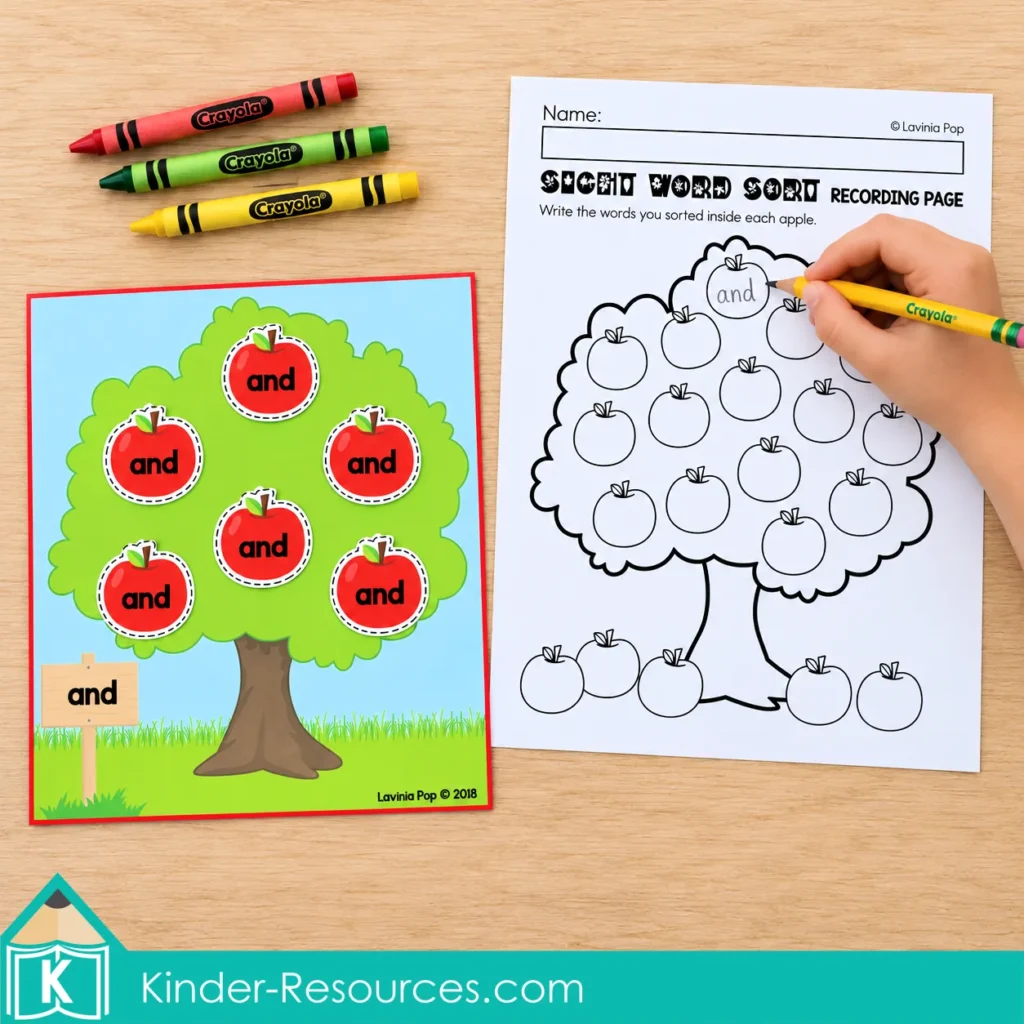
Choose words children have already been introduced to. Read the tree signs together, then invite children to:
- Choose an apple and read its word.
- Find the tree with the same word.
- Place the apple on an empty white space.
- Continue until each tree has six matching apples.
Encourage children to read each word before placing it. When the trees are complete, they can write the sorted words inside apples on the recording page.
For partner practice, one child reads an apple while the other finds its tree. Switch roles after each turn.
More Ways to Use the Apple Trees
Name Recognition
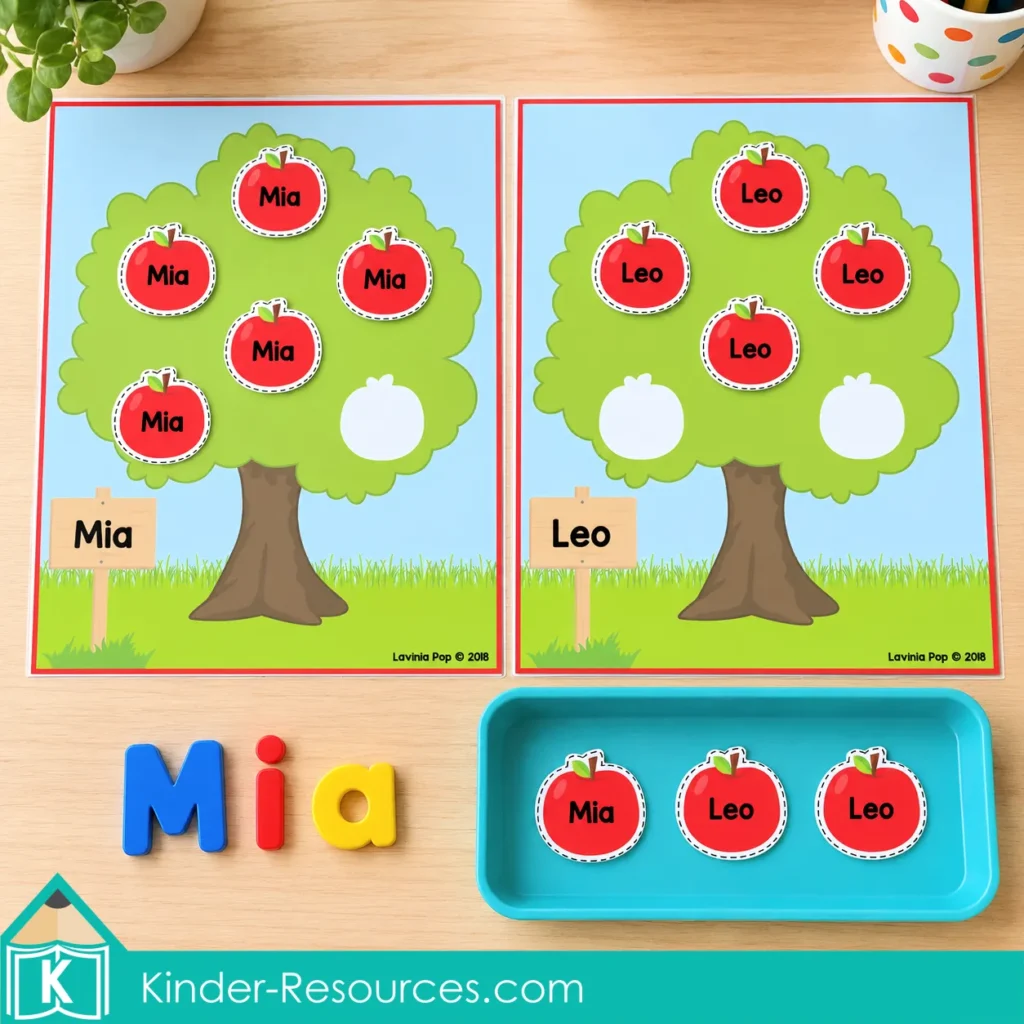
Type a child’s name on a tree and its matching apples. Begin with their own name, then add a few classmates’ names for sorting.
Use a capital first letter followed by lowercase letters, such as Mia and Leo. Children can also build a name with magnetic letters after matching the apples.
Letter Matching
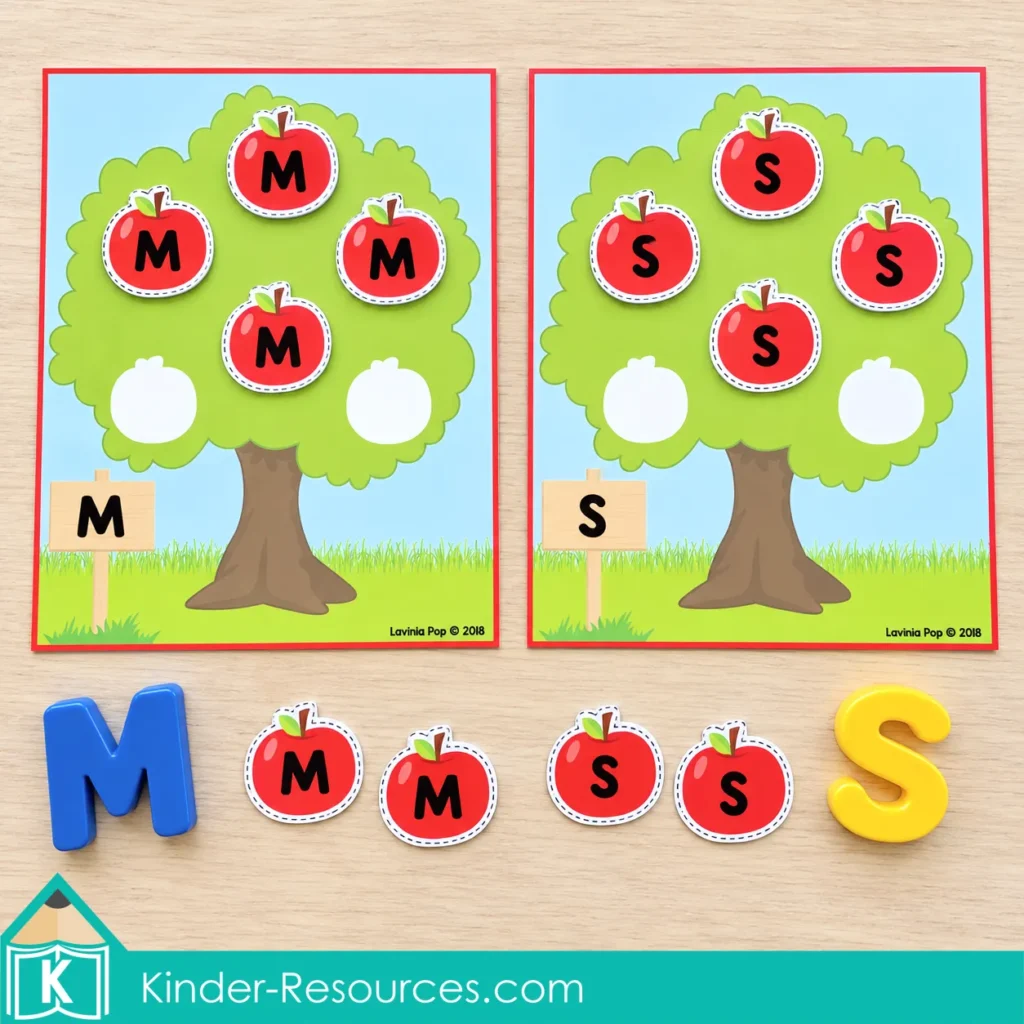
Replace the words with individual letters. Children can match M apples to an M tree and S apples to an S tree.
Start with two familiar letters and introduce more when children are ready. Invite them to name each letter as they place it, or say a sound they have learned for that letter.
Numeral Matching
Simply type the same numeral on a tree and its apples. Children might sort apples labeled 3 onto the 3 tree and apples labeled 7 onto the 7 tree.
Each tree can still hold six matching pieces. The goal here is recognizing and matching the written numeral.
Count a Set of Apples
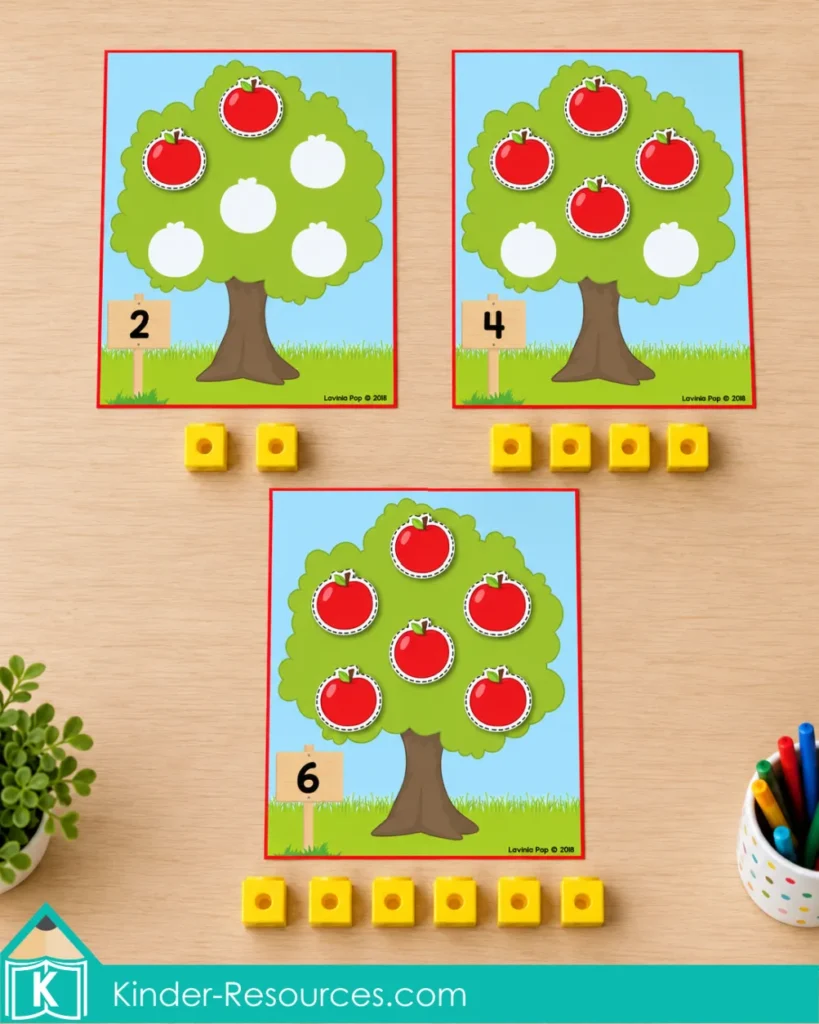
For a counting variation, put a numeral from 0 to 6 on each sign and use blank apple pieces. Children add the quantity shown: two apples on tree 2, four on tree 4, and six on tree 6. Tree 0 stays empty.
Place a matching group of counters or connecting cubes beside each tree for another way to show the quantity.
Read and Build CVC Words
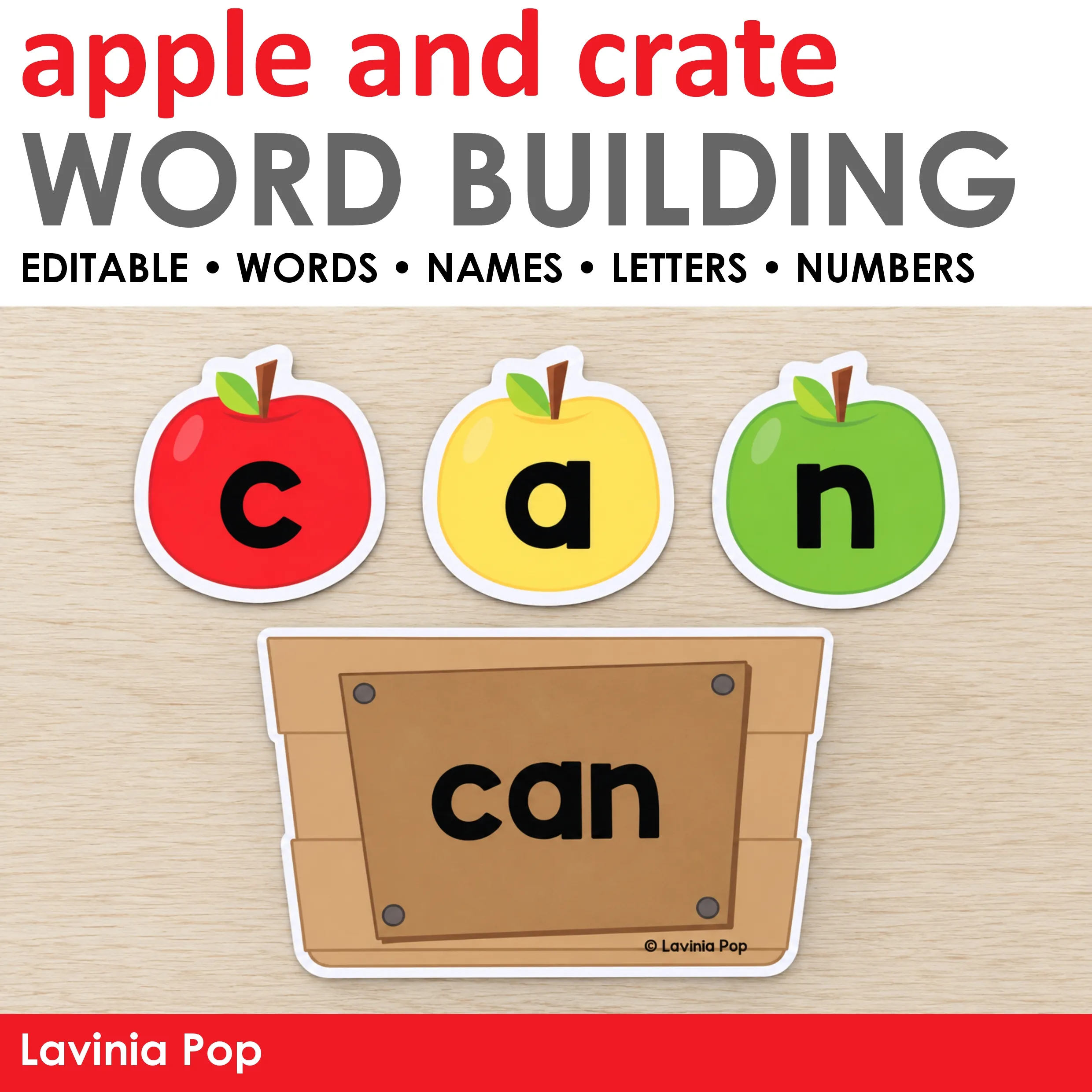
Use familiar CVC words such as cat, sun, or map. Children read and match the apple words, then build one with magnetic letters.
For another variation, start with a completed tree. Children “pick” an apple, read its word, and use it in a spoken sentence.
Get the Editable Apple Tree Sight Word Activity
Personalize this apple tree sight word activity with the words, names, letters, or numerals your children are practicing. Keep the trees and apples together with the included storage label, ready for your next center rotation.



Happy Teaching! 😊
You Might Also Like